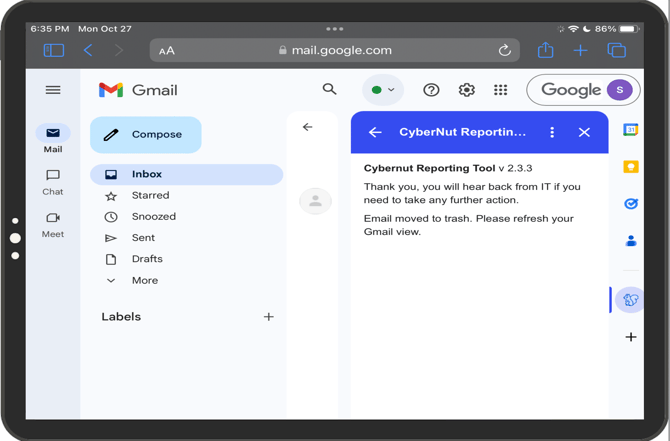
Please read this article about iPad compatibility with CyberNut.
Currently you must use the Safari or Chrome browser in order to use the CyberNut Add on feature. These directions are for the Safari browser.
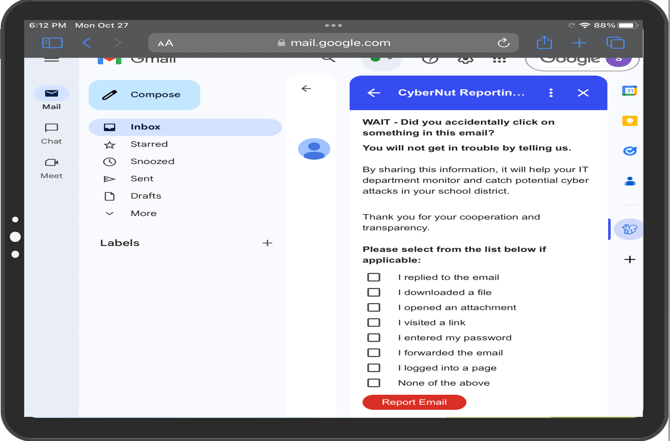
- Login to your Google account through the Safari web browser.
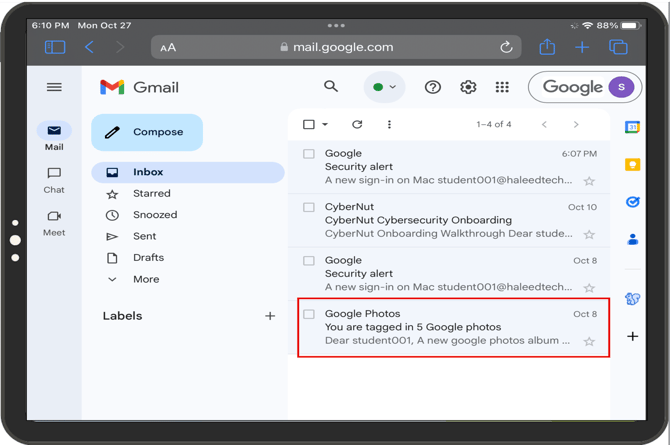
- Select the suspicious email that you want to report.
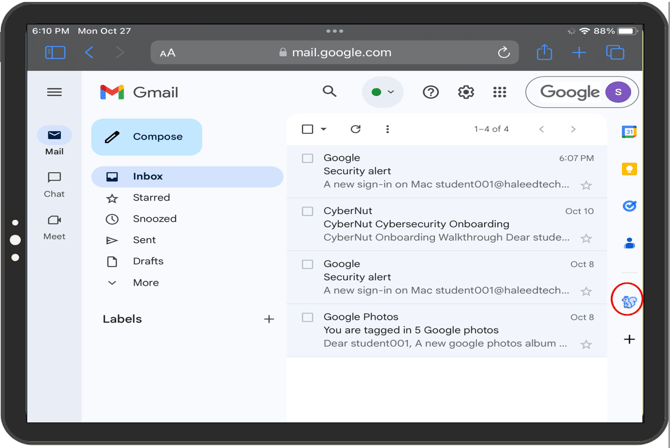
- Select the CyberNut Gmail add on icon (blue squirrel) in the right sidebar.
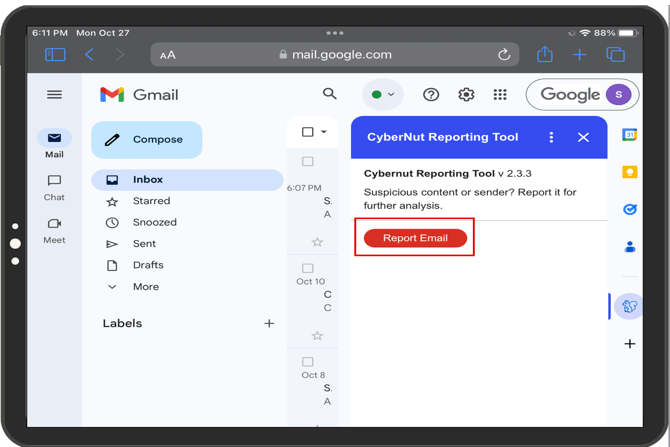
- Click Report Email.
- If the email is part of a CyberNut Phishing Campaign...
- You have successfully submitted the report.