We are excited to announce a collection of small but mighty user experience improvements based on recent user feedback. These enhancements focus on simplifying workflows, improving clarity, and providing a more intuitive experience across the platform.
What's New in This Release
The updates are grouped below to help you quickly understand the enhancements across different areas of the product.
Enhanced Campaign Creation and Management
Managing campaigns is now clearer and more efficient, with several updates to input fields, previews, and flow.
|
Feature Area |
Enhancement |
|---|---|
|
Campaign Scheduling |
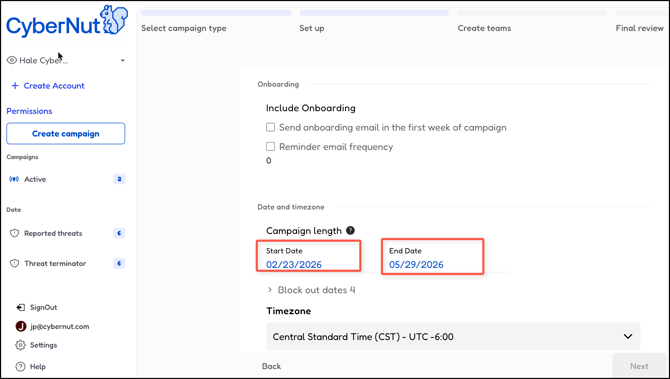
Separate input fields have been added for the Start Date and End Date. A limitation now prevents setting the start date on the same day as the campaign creation date for all campaign types.
|
|
Onboarding Campaign Flow |
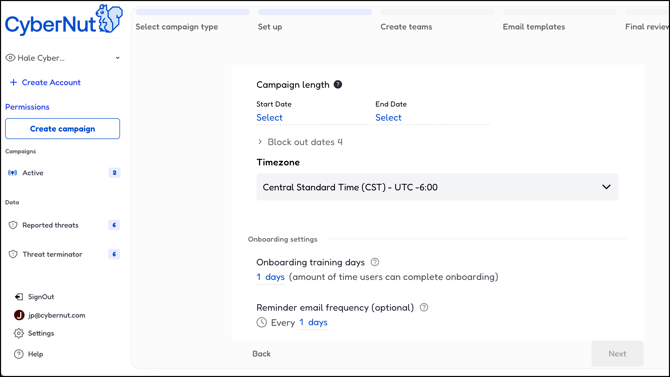
The onboarding campaign creation flow has been streamlined, retaining only required fields for training frequency and email sending.
|
|
Onboarding Card Placement |
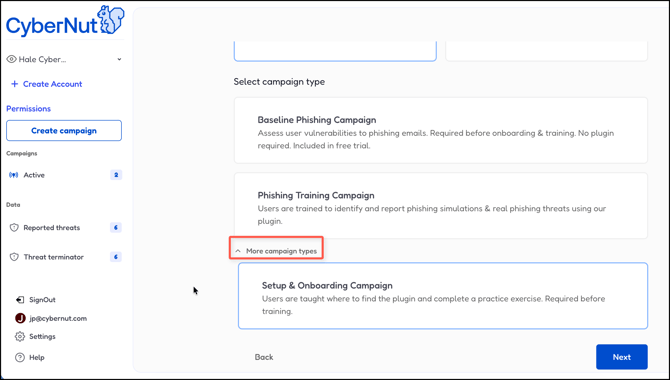
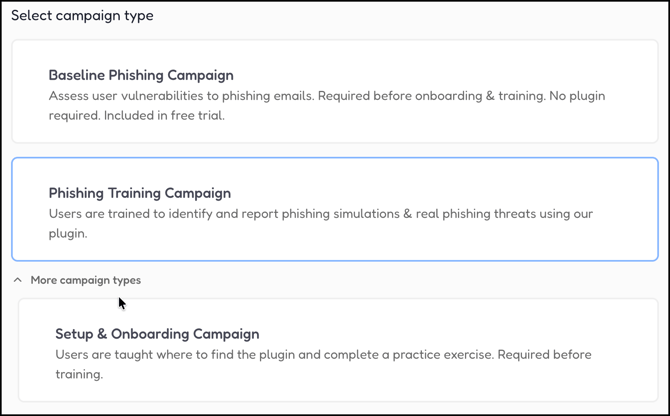
The onboarding campaign card is now located under a dropdown/hidden section within the training campaign creation flow to encourage simultaneous creation.
|
|
Selected Campaign Removal |
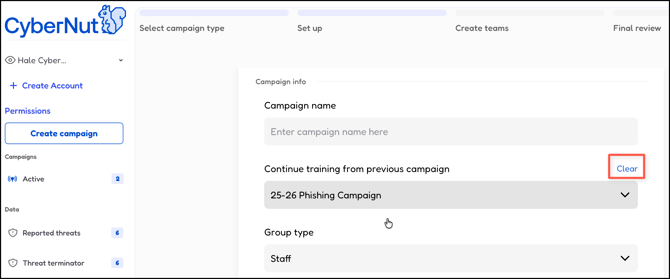
A 'Clear' button has been added to easily remove a previously selected campaign.
|
|
Campaign Description Clarity |
Content update in campaign descriptions have been adjusted for improved clarity and understanding. Note: Phishing Training Campaign includes Setup & Onboarding
|
|
Review Campaign |
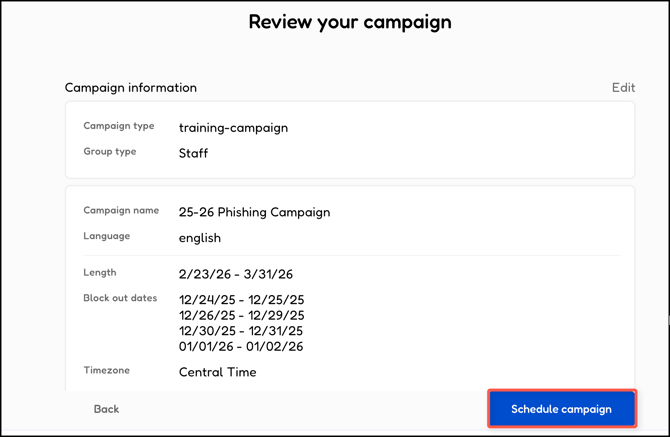
The 'Create Campaign' button on the campaign review screen has been updated to 'Schedule Campaign'.
|
|
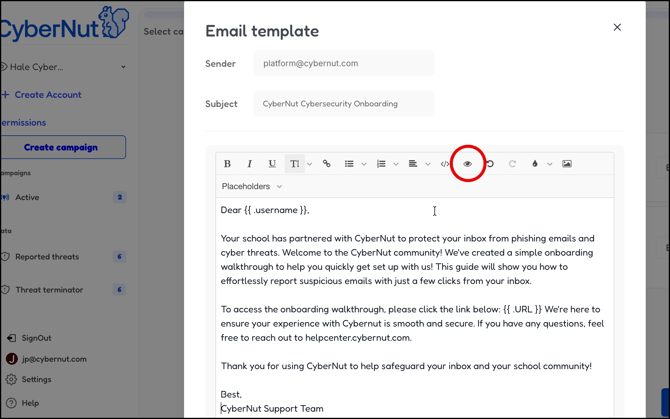
Email Preview |
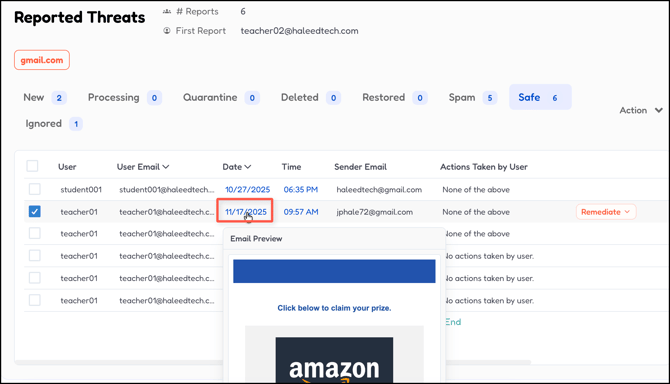
Hovering over the time slot for an email in Reported Threats will now automatically open a thumbnail preview of the email template (previously requiring a click).
The tool used to edit email templates for compliance and onboarding campaigns has been updated. This change helps administrators see exactly how the emails will look before they are sent.
|
|
Time to Complete Display |
The 'Time to complete' now displays the duration of the onboarding or compliance training instead of the total campaign length, aligning with the compliance due date.
|
|
Campaign Action Grouping |
The Edit Campaign button has been moved and is now grouped with the 'End Campaign' action for better organization.
|
|
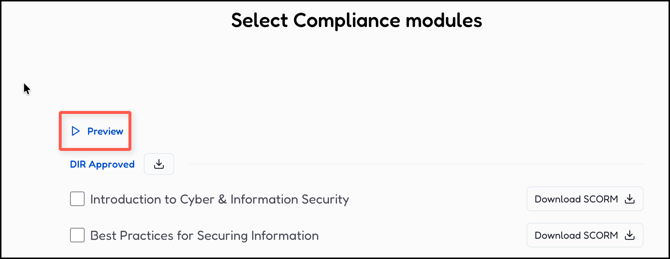
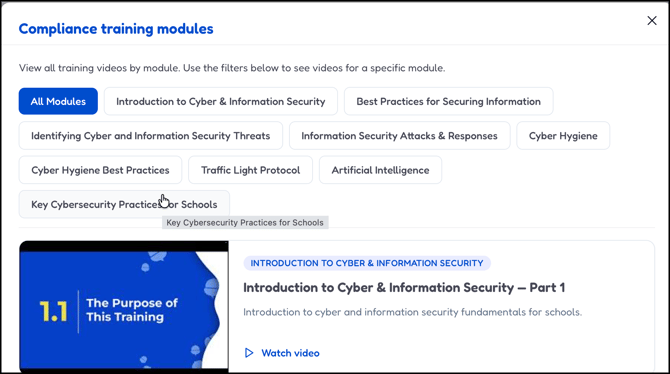
Compliance Module Preview |
A new 'Preview' list (previously 'View all module videos') has been added for compliance campaigns, consistent with other campaigns. Clicking the thumbnail now opens the video in a modal instead of a new tab.
|
|
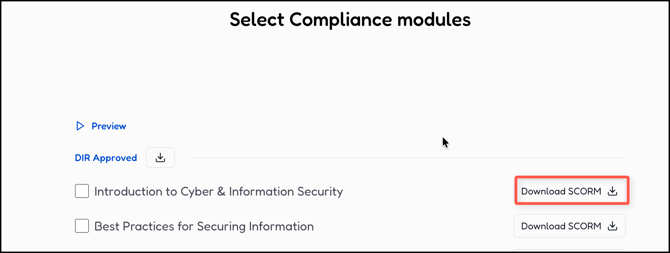
Download Clarity |
The word Download has been added next to the download icon button for clarity, along with a tooltip indicating the file is a SCORM file. |


Improved User/Team Management
We've made several adjustments to how you manage users and teams, focusing on selection clarity and improved navigation.
|
Feature Area |
Enhancement |
|---|---|
|
User Selection |
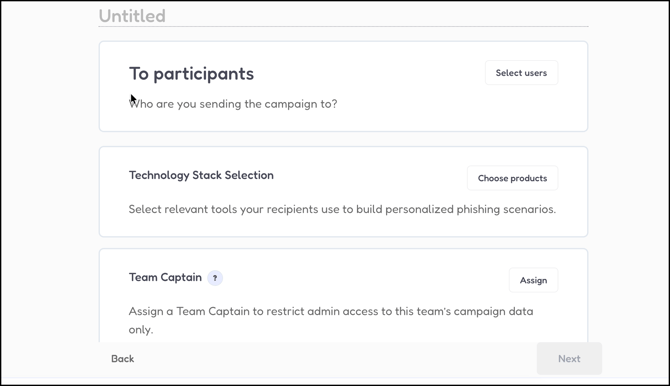
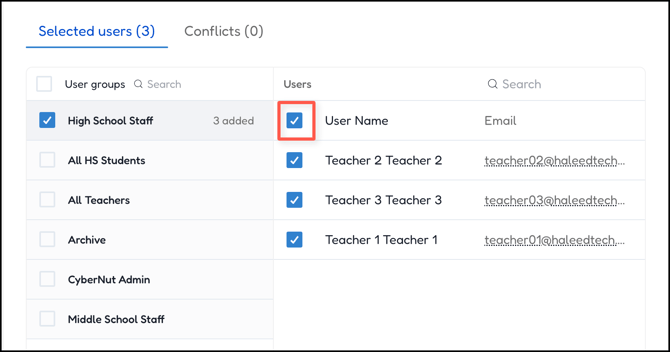
A Deselect All checkbox has been added, and the font size for user selection elements has been increased for better clarity.
|
|
Group Selection Logic |
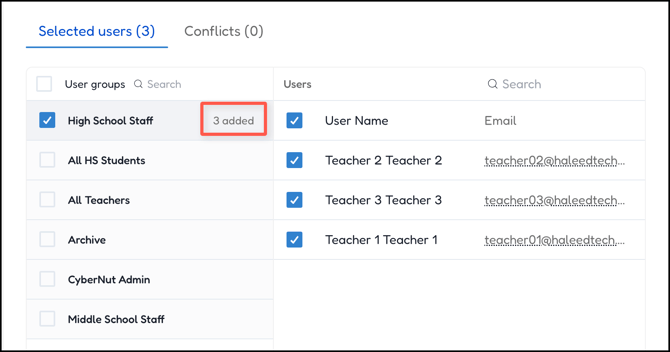
Users in a group are now automatically selected upon group selection. The count of added users is now hidden by default when it is 0 and only appears once users are selected.
|
|
Admin Portal Leaderboard |
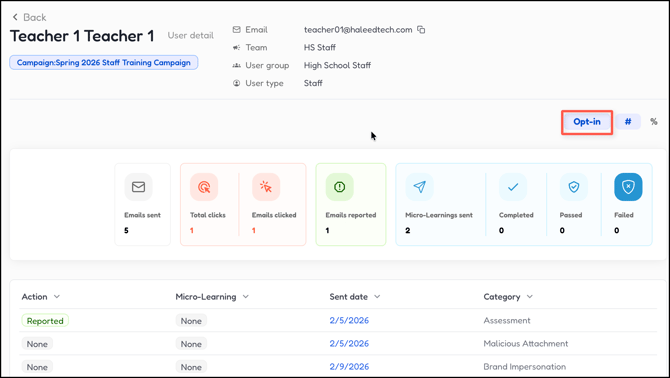
An opt-in button for leaderboard status has been added to the Users tab in the admin portal. An Admin can locate a user and Opt-in to the leaderboard for that user.
|
|
Team Captain Note |
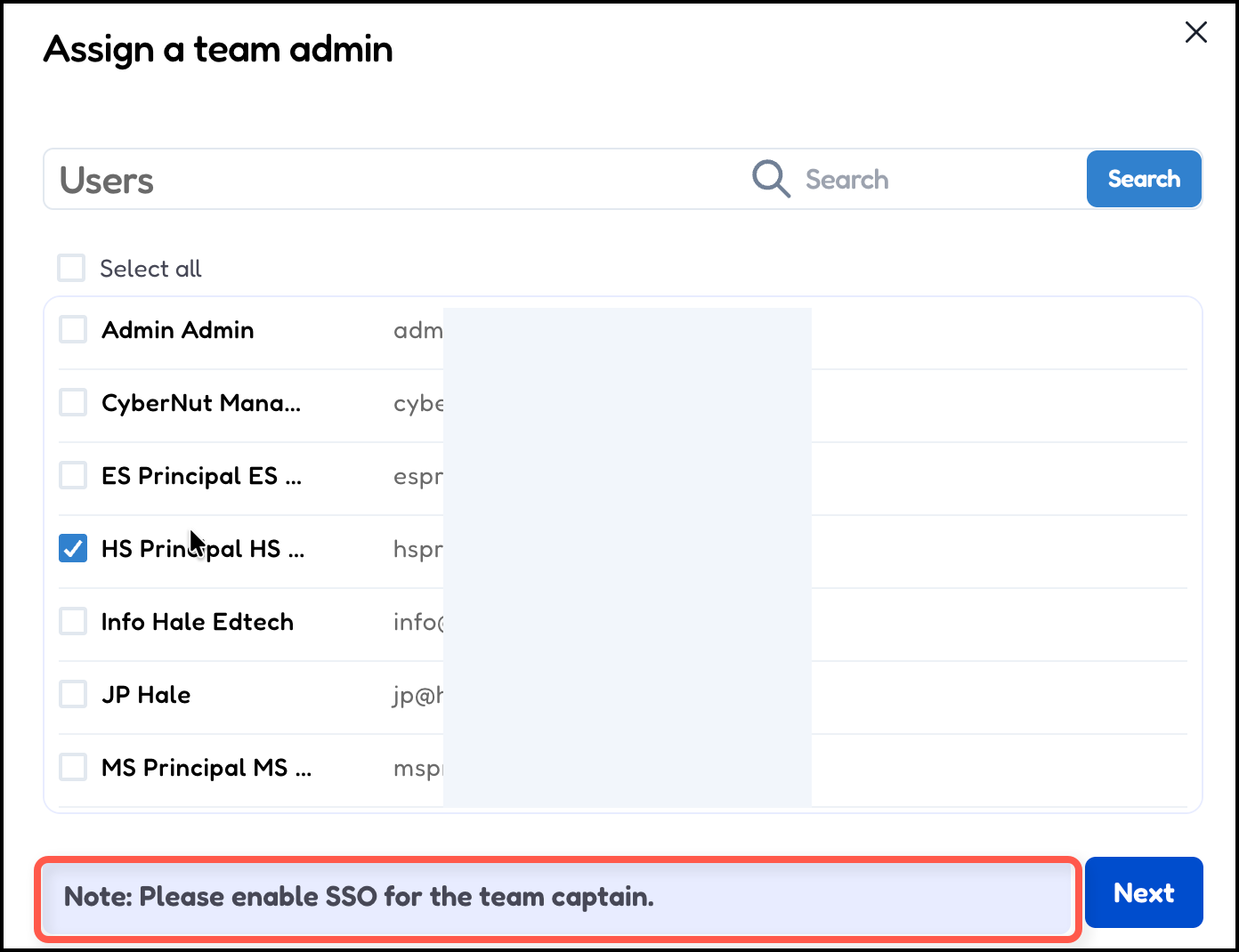
A small note has been added to the team captain modal: |
|
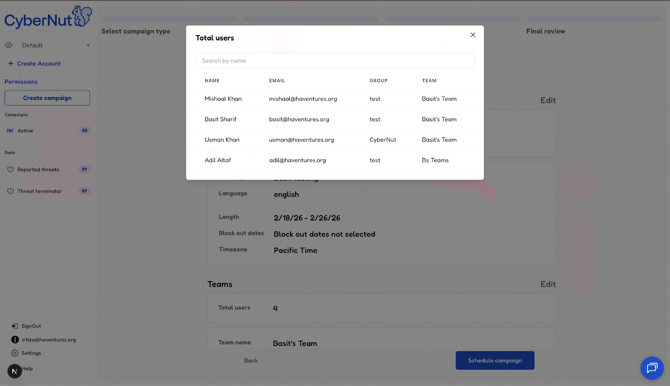
Campaign Review User Screen |
A new screen is now available on the campaign creation final review page by clicking the 'Total users' card. This screen allows you to review and search for users.
|
|
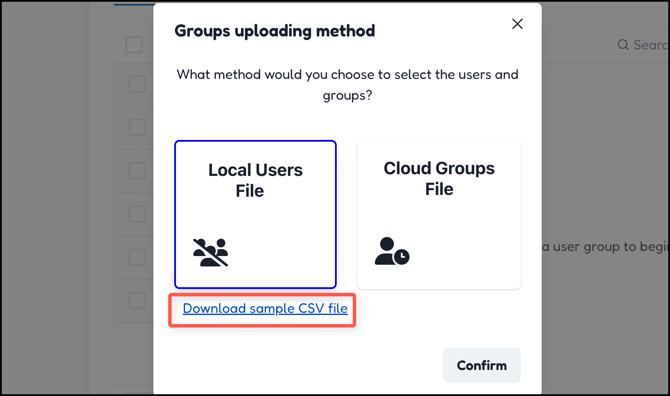
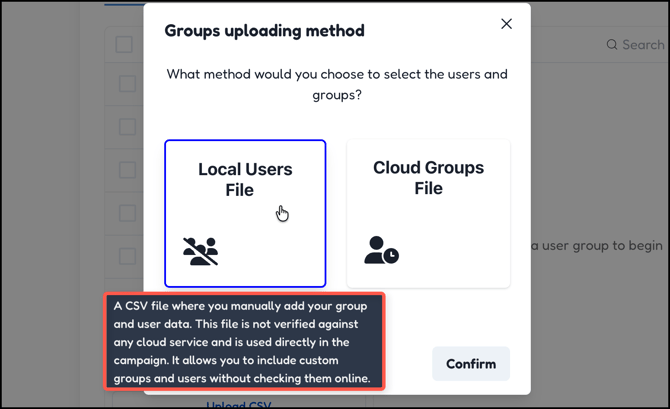
User CSV Samples |
Sample CSV file and an explanation on the cards have been added to clarify their purpose for user uploads.
|
Settings and User Portal Updates
We’ve made some improvements to how settings updates are saved and the video playback experience in the portal.
|
Feature Area |
Enhancement |
|---|---|
|
Settings Management |
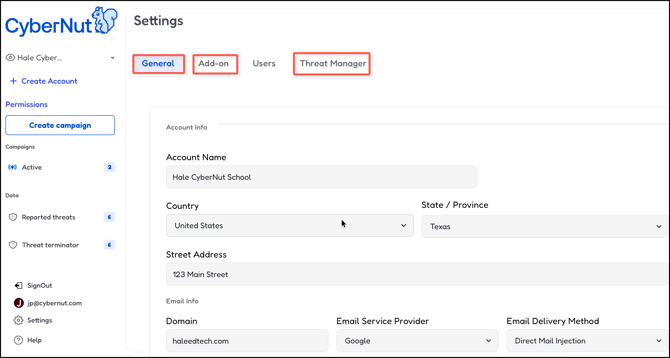
All tabs in the Settings screen (General, Add-on, and Threats Manager) now save automatically. The 'Save' button has been removed to eliminate confusion over unsaved changes.
|
|
Team Settings |
Team settings now display all additional settings by default, eliminating the need to click a dropdown to view them.
|
|
Texas State Compliance |
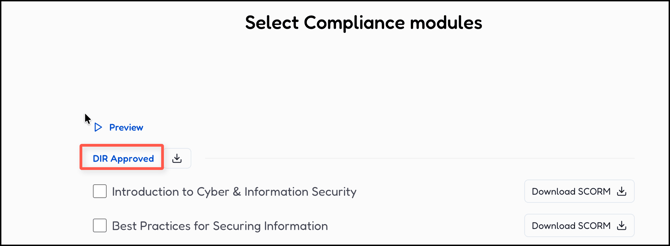
For users whose state is set to Texas, the word 'Core' is now updated to 'DIR Approved' where applicable.
|
|
User Portal Video Playback |
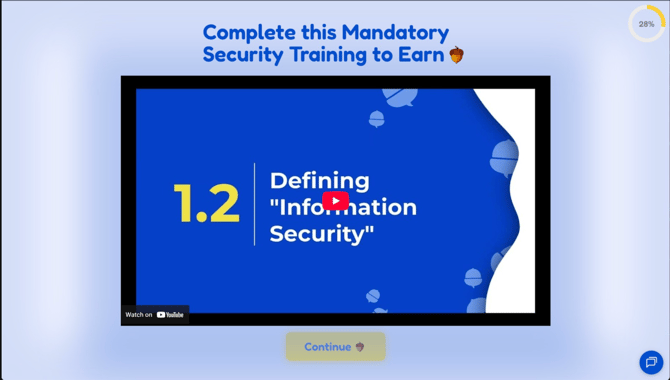
The auto-play feature has been removed from the user portal, and YouTube links within the compliance campaign have been disabled. Therefore, users will not be redirected out of the media player.
|