Who can do this: Teachers, School Managers, and District Managers
Set a due date for a module- Go to Reports & Tools > Gradebook Tools > Gradebook.
- Filter by Location, Course, Module, and Roster, then click GO.You can select more than one roster. You can also skip the roster filter and filter by grade level instead.
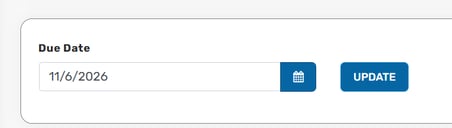
- In the Due Date section, choose the date you want students to complete the module, then click UPDATE.
- In the confirmation pop-up, click OK.
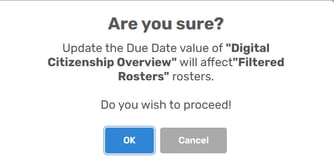
Note: The due date applies to every roster included in your filter. The confirmation pop-up shows which module and rosters will be updated, so check it before you click OK.
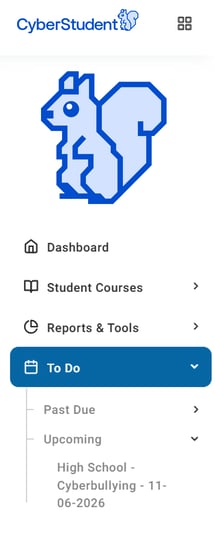
What students seeOnce you set a due date, students see the module under To Do in the menu on the left. Assignments appear under Upcoming until the due date, and under Past Due after it.