
Click below for a full screen walkthrough video.
▶️ Configure Default Email Templates for Reported Threats
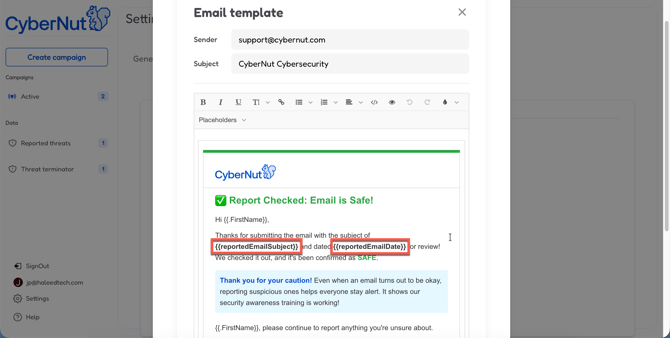
As you manage Reported Threats, you can automatically send emails to end users if you mark the email as safe, spam, deleted, or quarantined. These emails can be customized and include the variables below.
- Log in to the CyberNut Admin Portal at http://admin.cybernut.com.
- Click Settings.
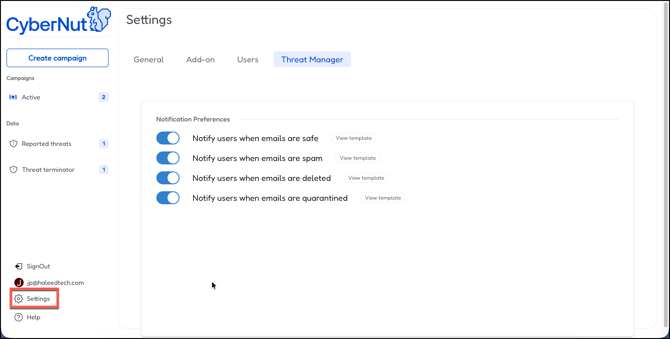
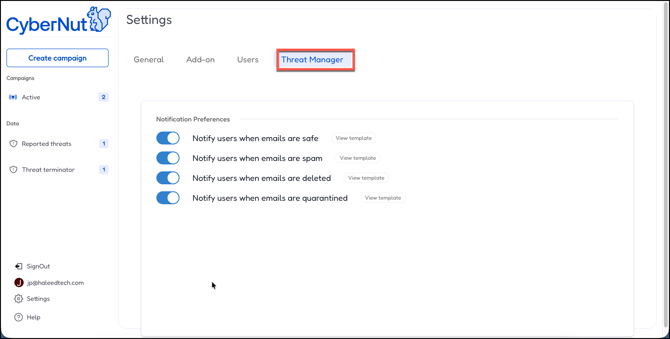
- Click the Threat Manager tab.
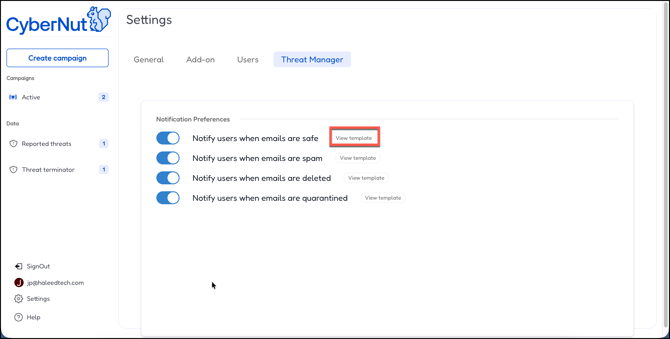
- Click View template beside oneof the notifications. (ex. Notify users when emails are safe)
- Customize the email as you want. In this case I used the email subject and reported date variable.
- Once the emails is complete click Save.
Available Variables
First Name
From:
Subject:
Date:
Email Content:
Report ID: