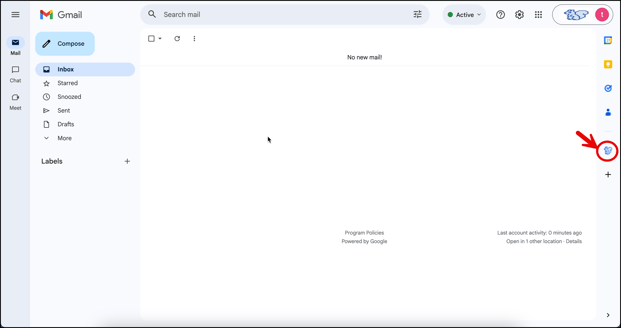
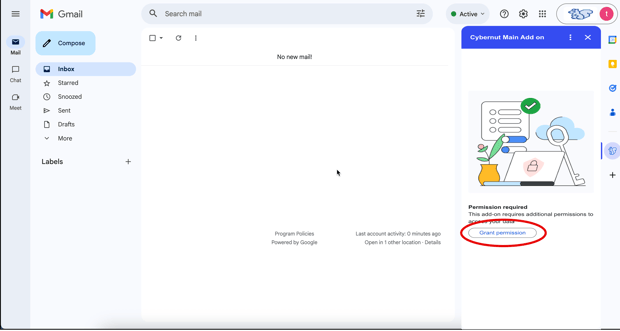
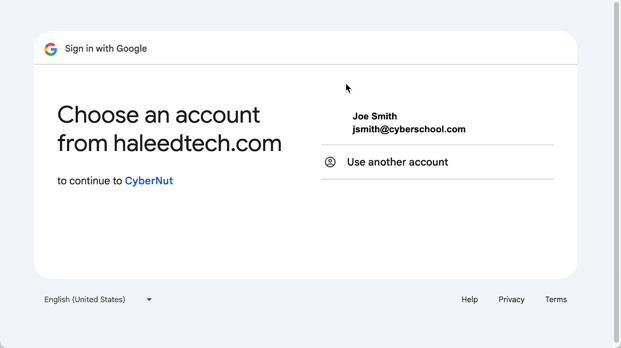
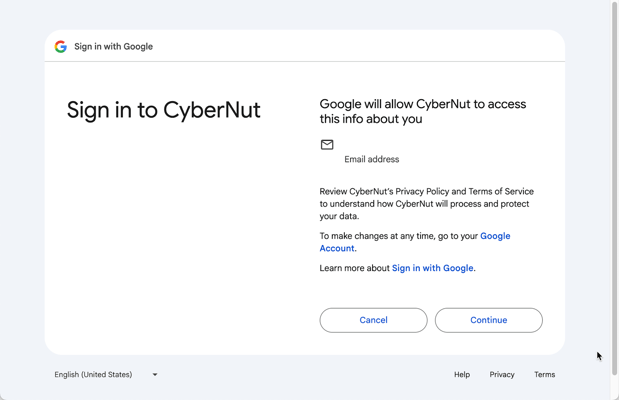
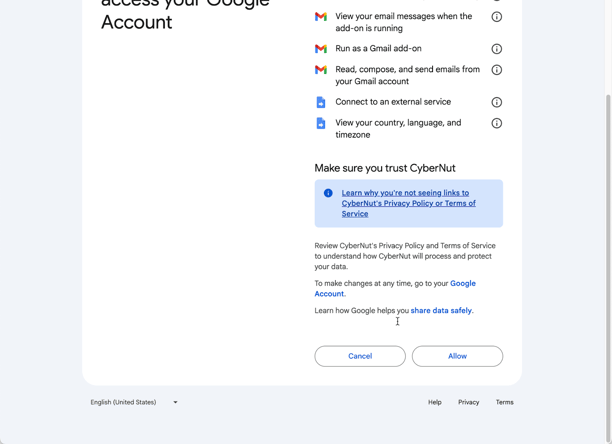
October 30, 2025 How do I grant permissions to the CyberNut Add on for Gmail? In this article you will learn to grant permissions to the CyberNut Add on for Gmail. Click the CyberNut icon (blue squirrel) in the right sidebar. Click Grant permission. Click your name and email account. Click Continue. Click Allow.