You do not install the app on your phone. If you have the CyberNut Add-on (blue squirrel) on your desktop or laptop, it will be available on your phone via the Gmail app.
Gmail App on an iPhone
- Open an email you want to report.

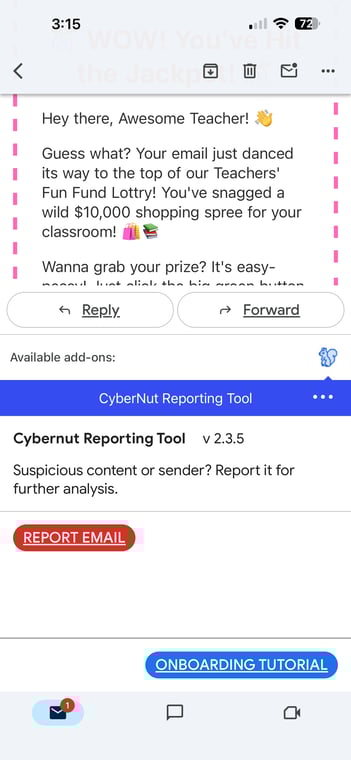
- Scroll to the bottom of the email and click on the CyberNut Add-on. (blue squirrel)

- Click the red Report Email button.
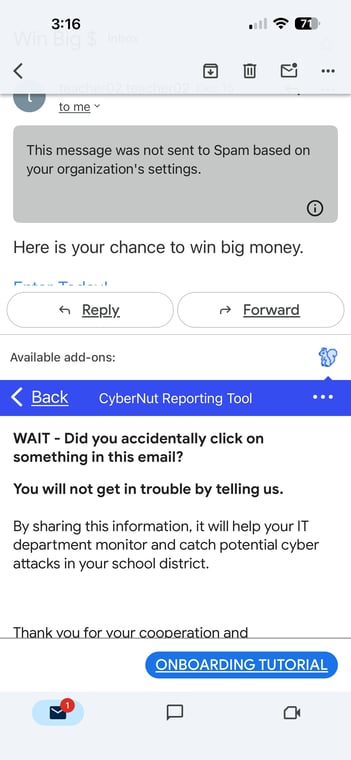
- Scroll down and review the reasons you are reporting the email.
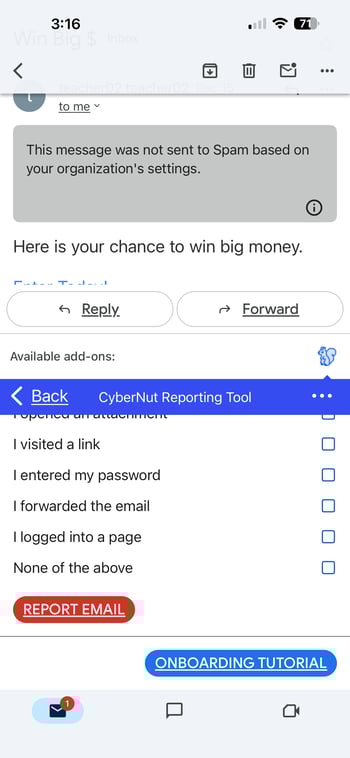
- Select the appropriate reasons for reporting and click the red Report Email button.
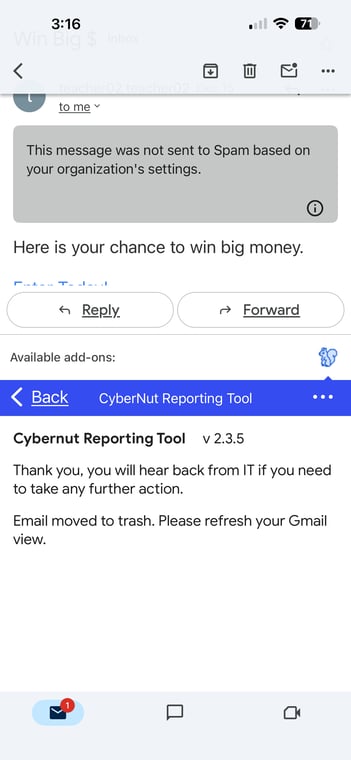
- This completes the process.