
Staff and students can access the Leaderboard by clicking on or reporting an email. After completing the micro-quiz, a link will be provided to view the Leaderboard.
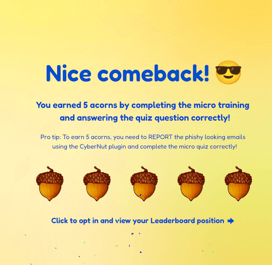
If you haven't already, you'll need to opt in to the Leaderboard.
In the top left corner, there's a dropdown menu to choose different Leaderboard views, based on how your Admin configured CyberNut. The options include:
- Your district name - displays all users in your district, ranked by the number of acorns earned.
- Your Team name - shows all users in your Team, ranked by the number of acorns earned.
- Teams - presents a Team vs Team view, ranked by the average acorns earned among team members.
By default, the Leaderboard displays the top 10 individuals or Teams. To find your position, toggle the "You" view in the top right corner. Your or your Team's position will be highlighted.
At the bottom of the Leaderboard, you have the option to opt out of the Leaderboard, which will remove your visibility from the list.