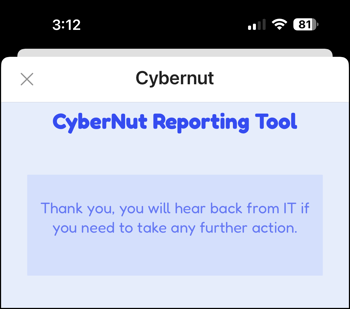
Yes, you can use the CyberNut Add on using an iPhone. However, it does not work in the native Apple mail app. You must use the Gmail or Outlook app.
Using the CyberNut Add on with Gmail
- Open the Gmail app.
- Select a suspicious email.
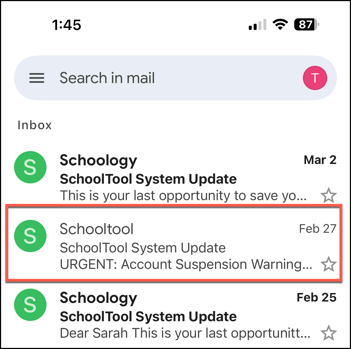
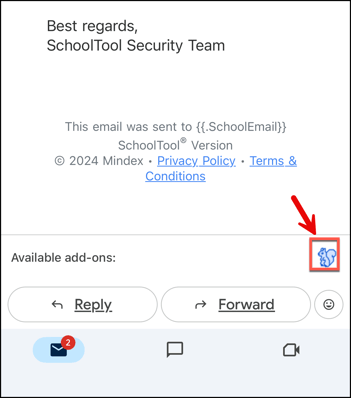
- Scroll to the bottom of the email and click the CyberNut icon. (blue squirrel)
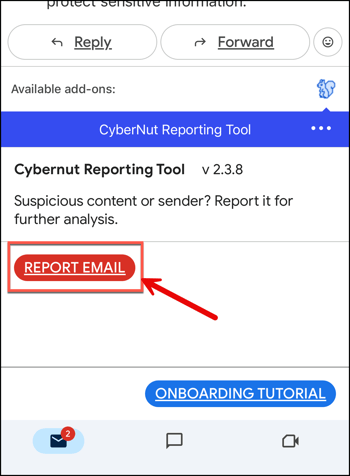
- Click the red button labeled Report Email.
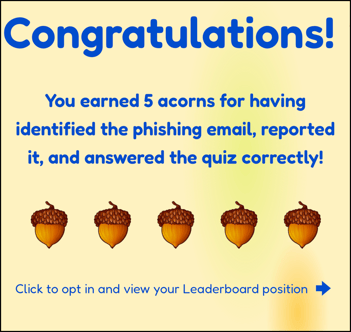
- If the email is a phishing simulation email you will be directed to a site awarding your acorns and asking a question to earn more acorns.
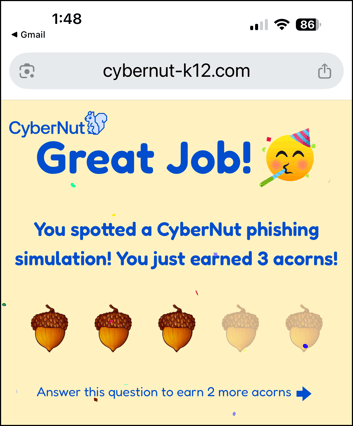
- Answer the question correctly and you will earn more acorns.

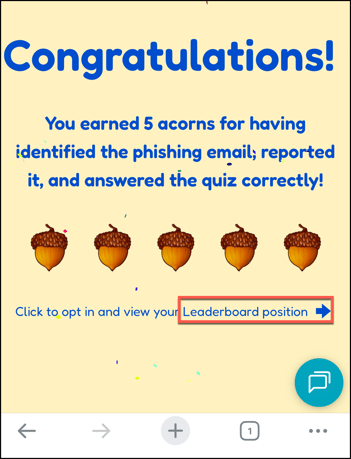
- Then select the link if you want to opt in and view the Leaderboard.
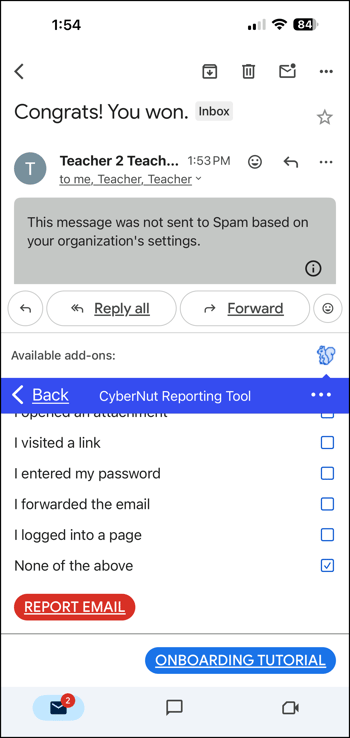
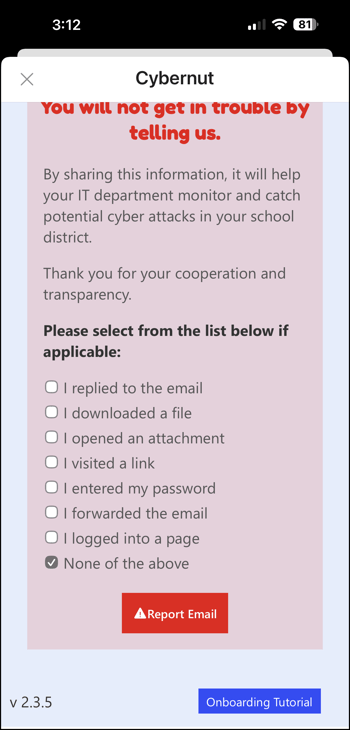
- If the email is not a phishing simulation email, check any option that apply and click Report Email.
Using the CyberNut Add on with Outlook
-
Open the Outlook app.
- Select a suspicious email.
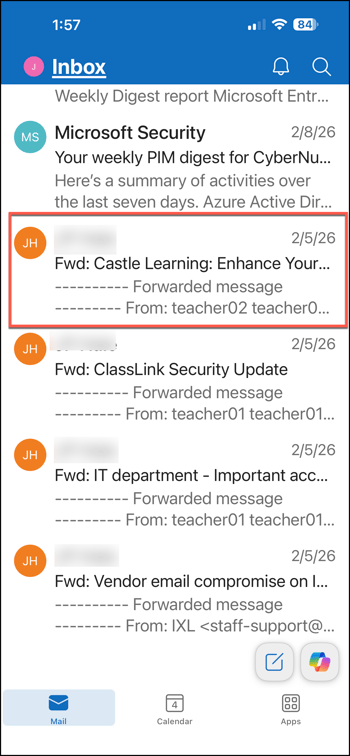
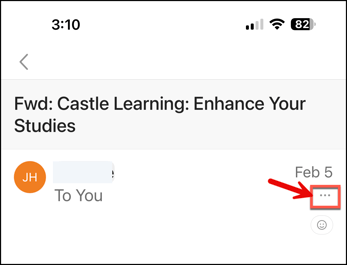
- Select the 3 dots just below the date of the email.
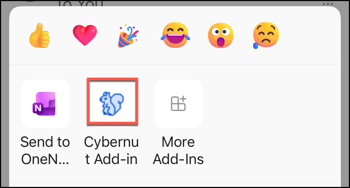
- Click the CyberNut icon (blue squirrel).
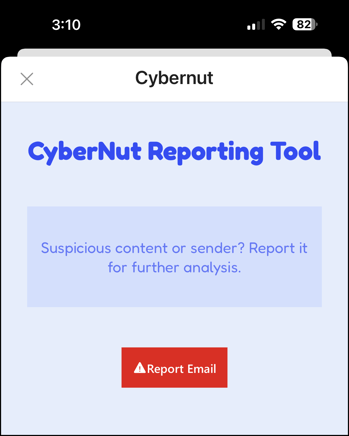
- Click the red Report Email button.
- If the email is a CyberNut phishing simulation email, you will earn 3 acorns.
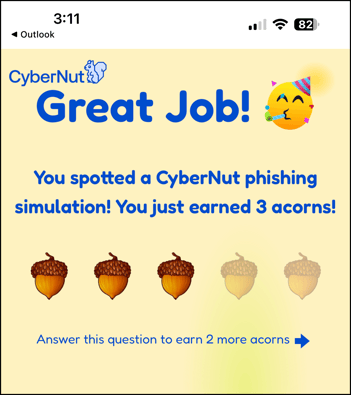
- If you answer a question correctly you will earn 2 more acorns.
- If the email is not a simulation email this screen will appear. Check any applicable options and click Report Email.
- Once you submit the report you will receive a confirmation.