Thank you for participating in the ATT Beta program. Your feedback plays an important role in helping us refine this capability and ensure it delivers meaningful value to security teams.
This article provides a brief overview of ATT and what to expect during the beta period.
What is ATT?
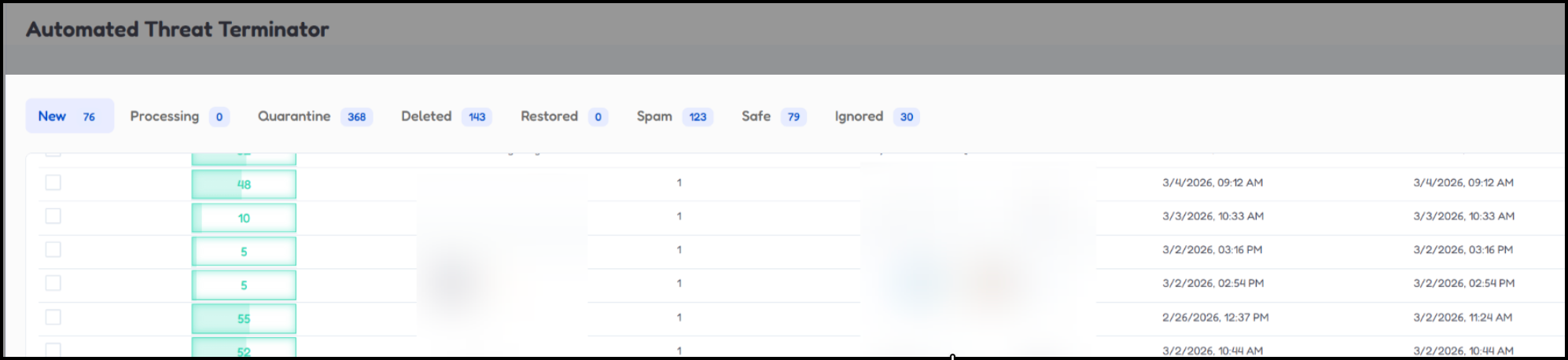
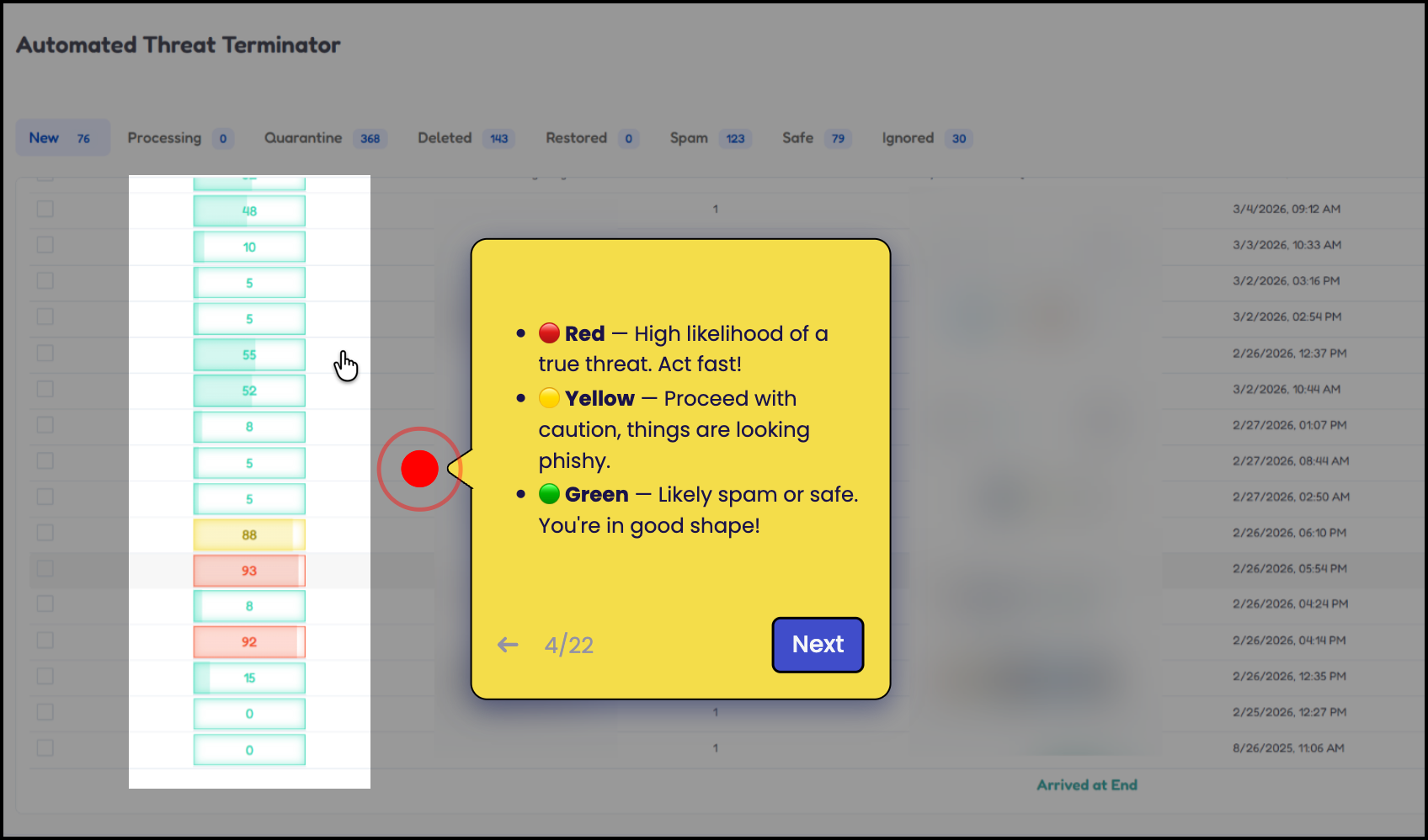
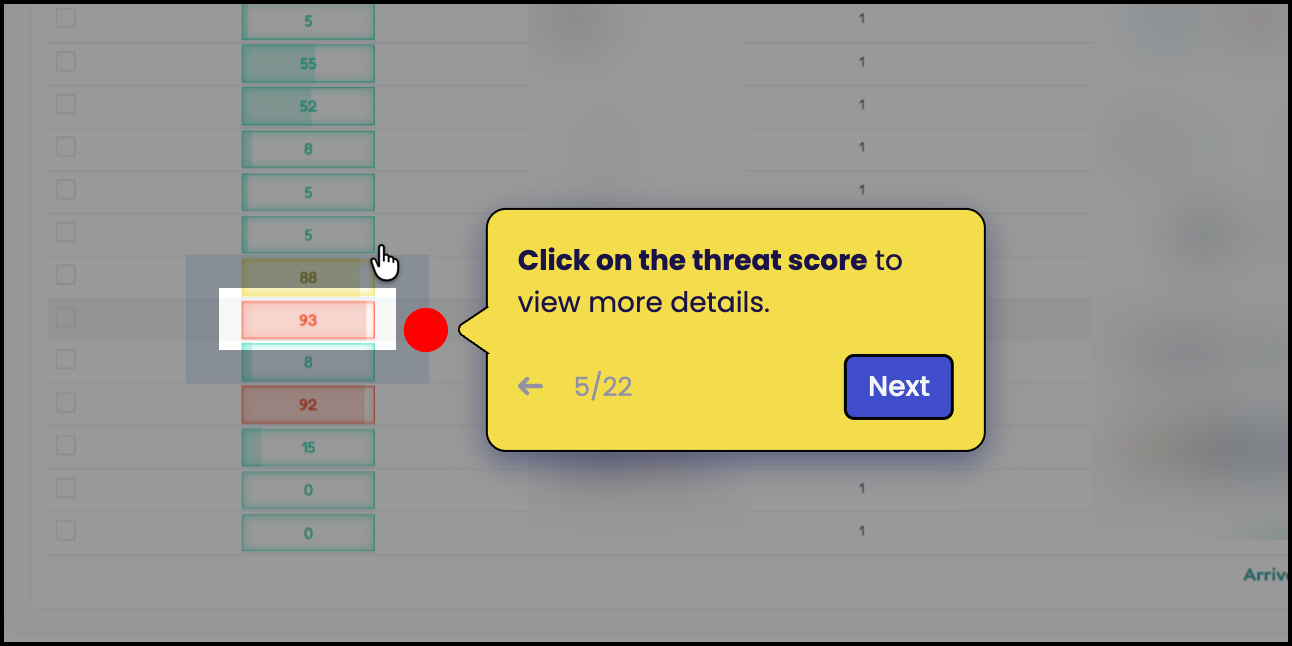
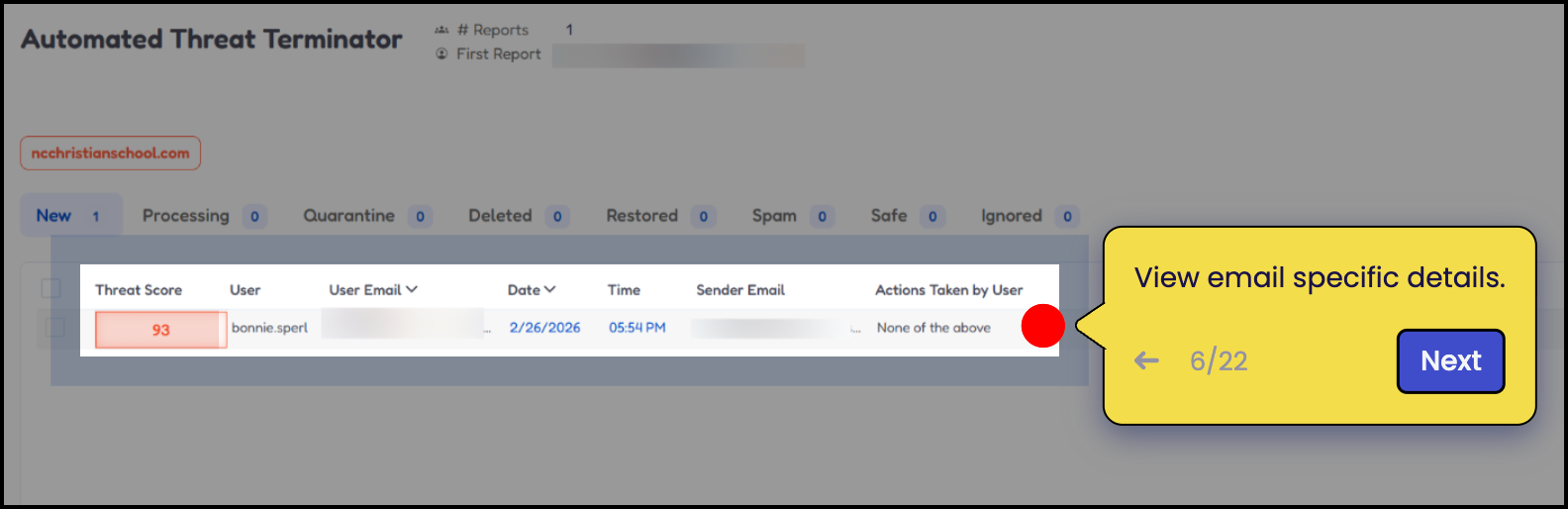
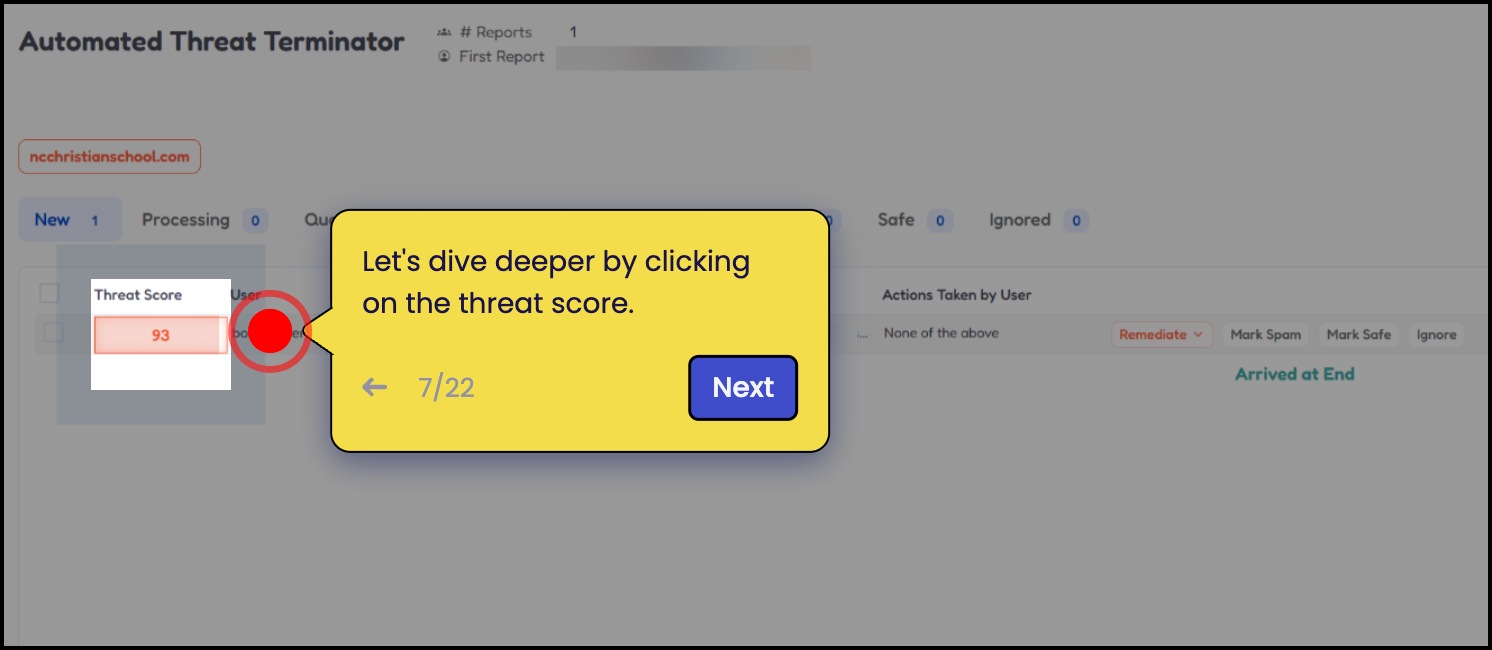
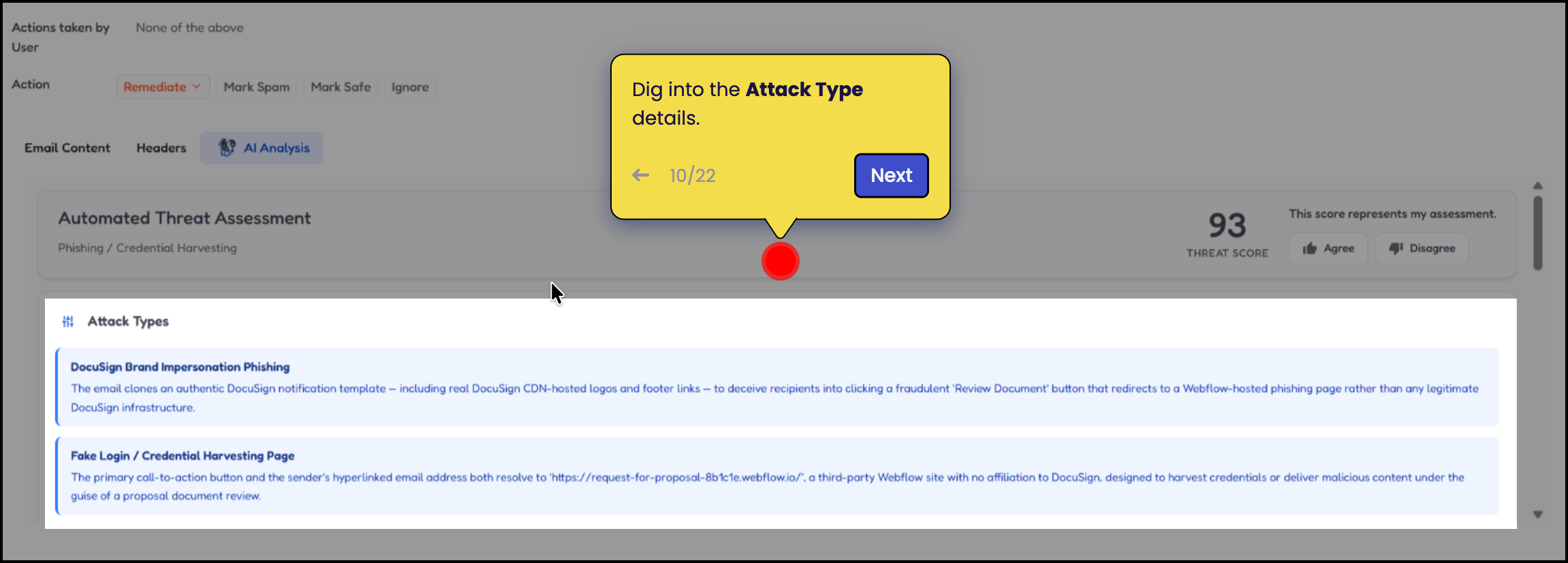
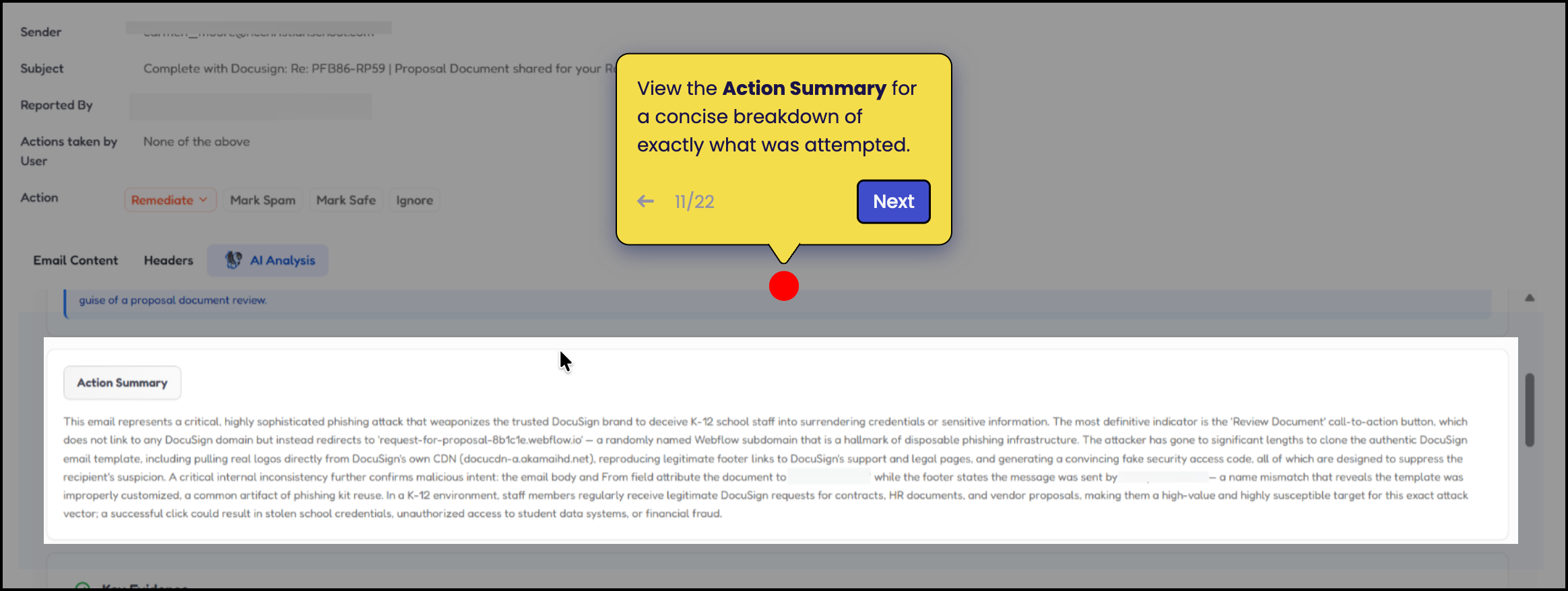
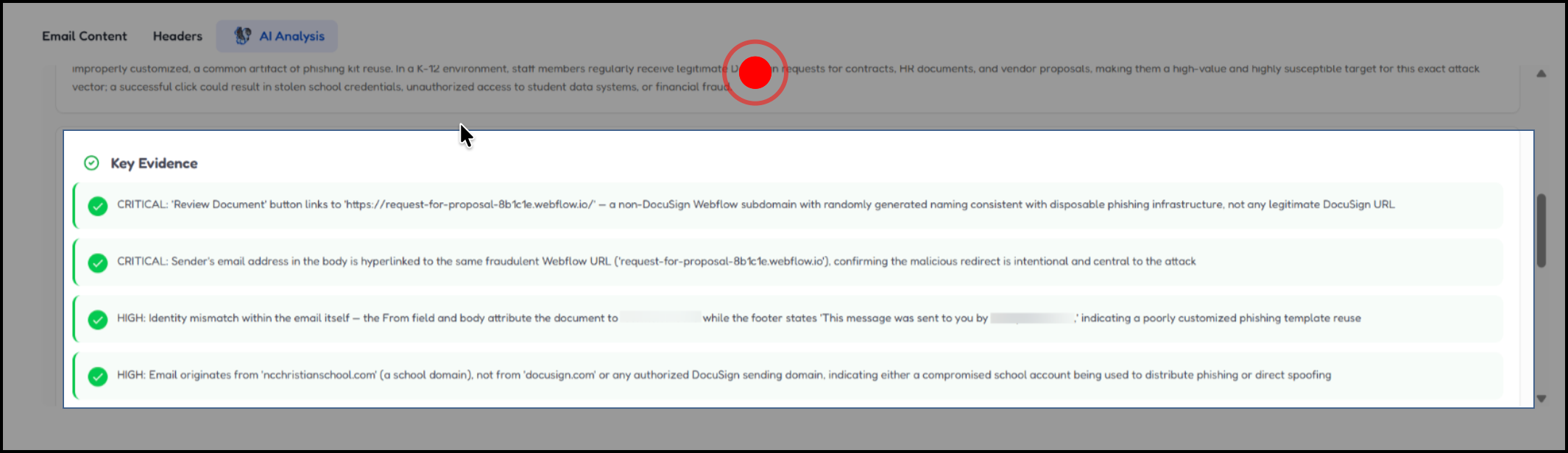
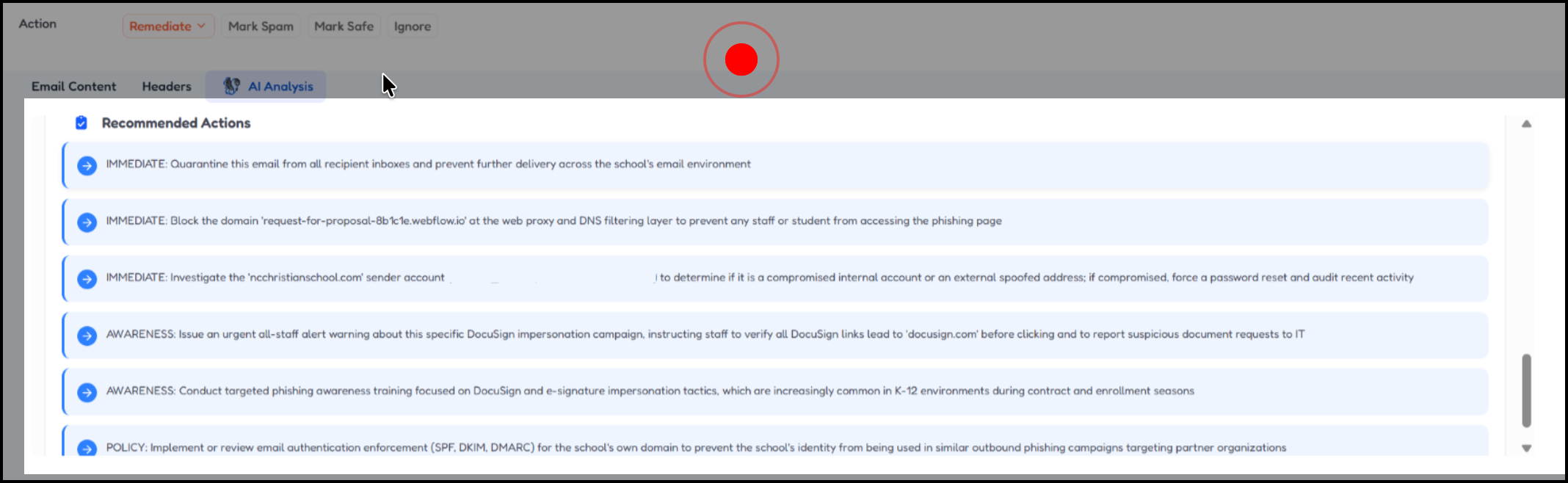
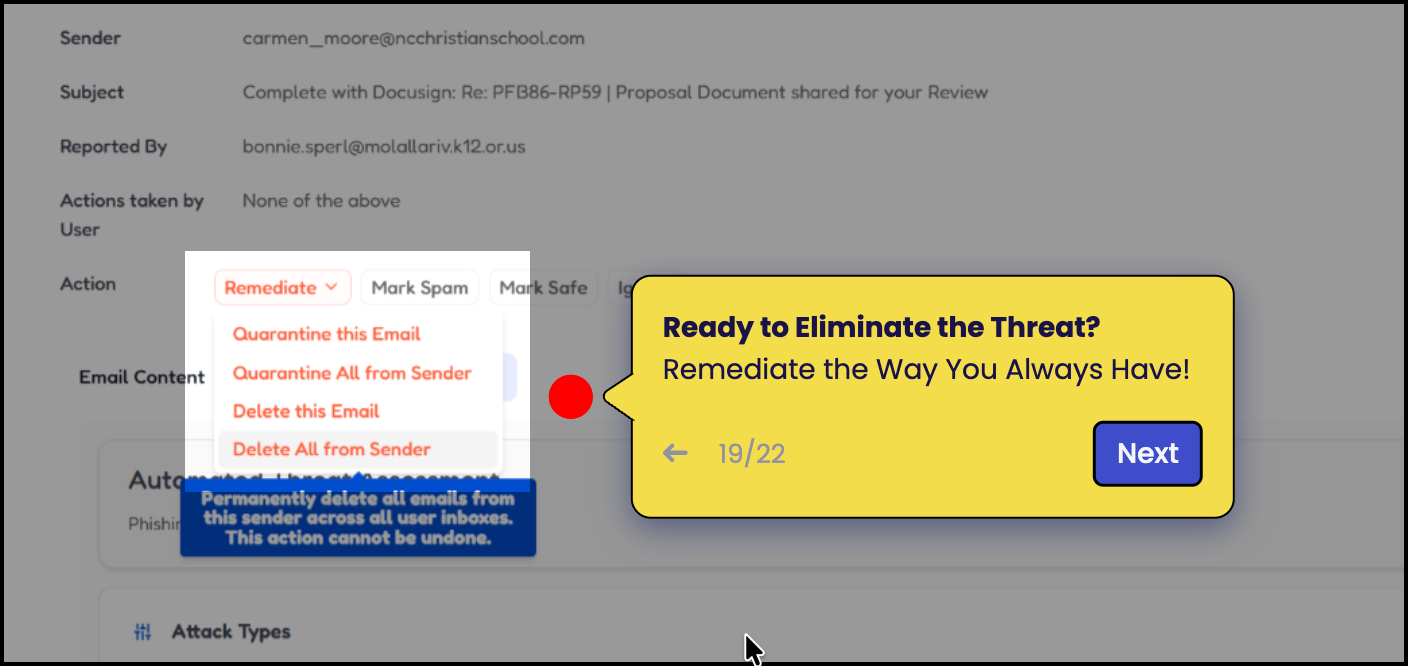
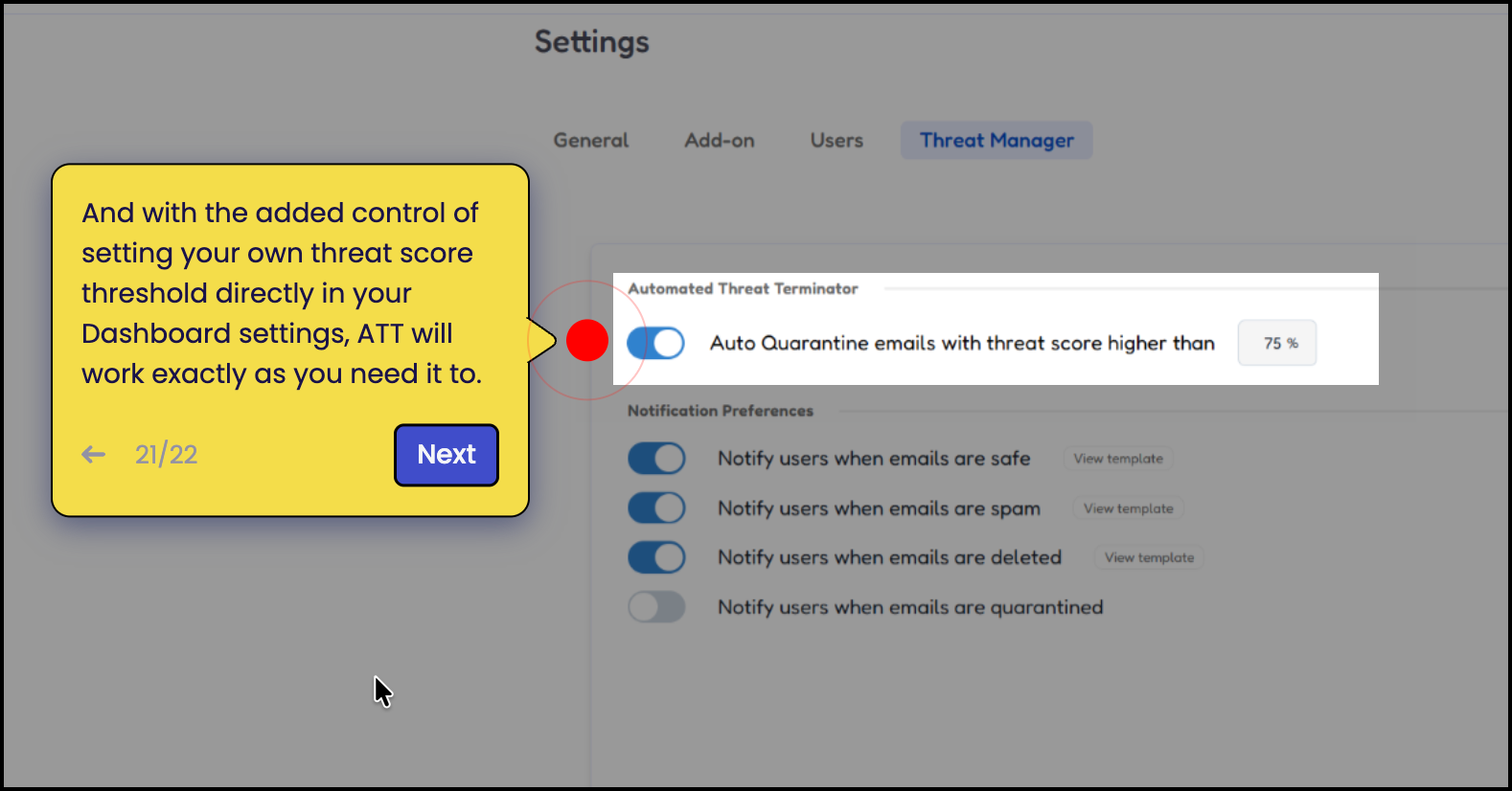
ATT introduces threat scoring to help prioritize reported threats within your environment. These scores add context to reported threats, helping security teams more quickly identify activity that may require quick action to reduce risk.
By highlighting higher-risk reported threats, ATT helps teams focus their attention where it matters most.
What to Expect During the Beta
As a beta participant, you have early access to ATT while the feature is still being refined. During this period, you may notice:
- Updates to how threat scoring is calculated or displayed
- Improvements based on participant feedback
- Additional functionality introduced over time
Your experience and feedback will help guide these improvements.
Providing Feedback
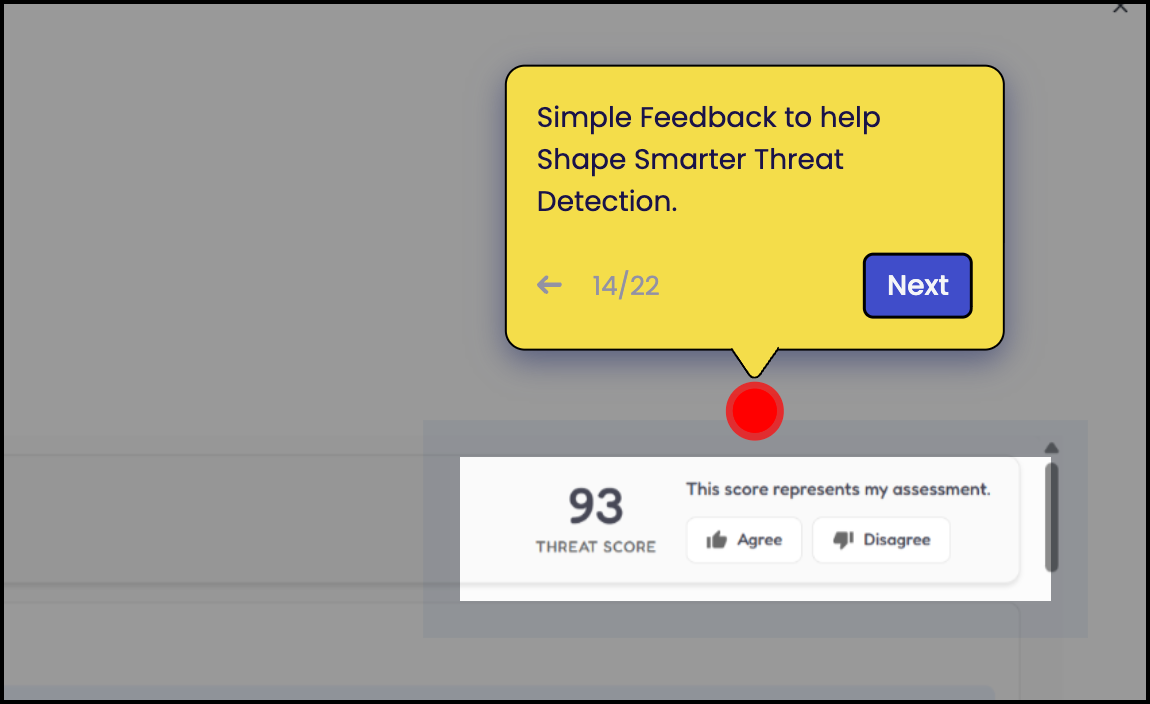
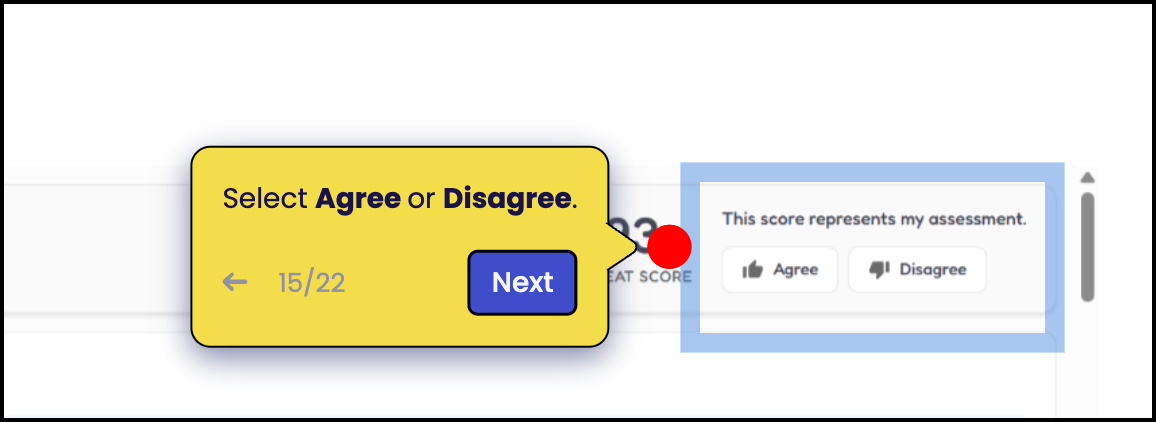
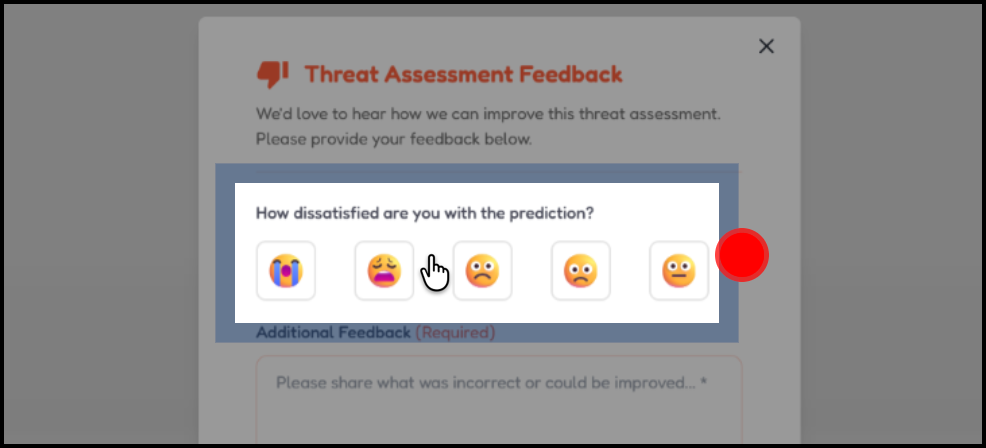
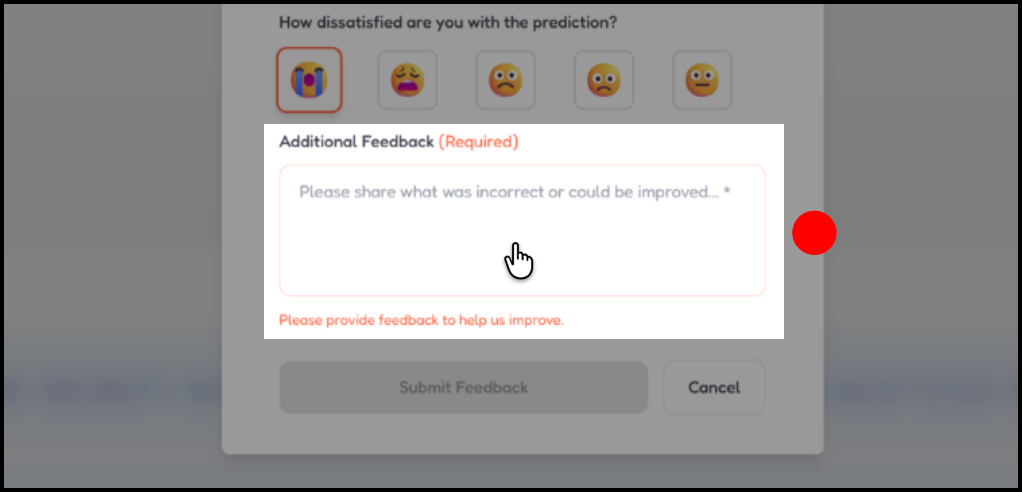
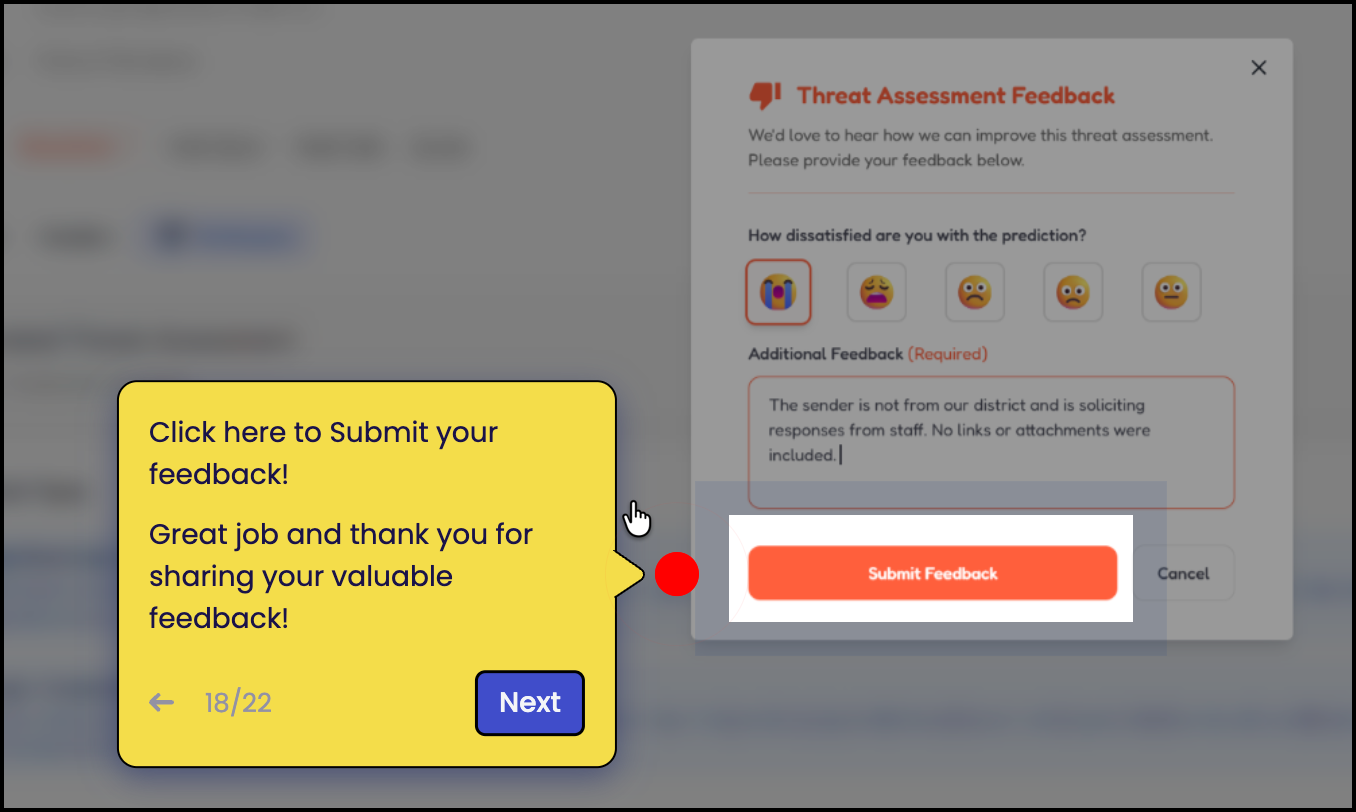
We’ve built a simple feedback process directly into the platform to make it easy to share your observations while using ATT.
As you review reported threats, you can submit feedback directly within the interface to let us know how the scoring aligns with what you’re seeing in your environment.
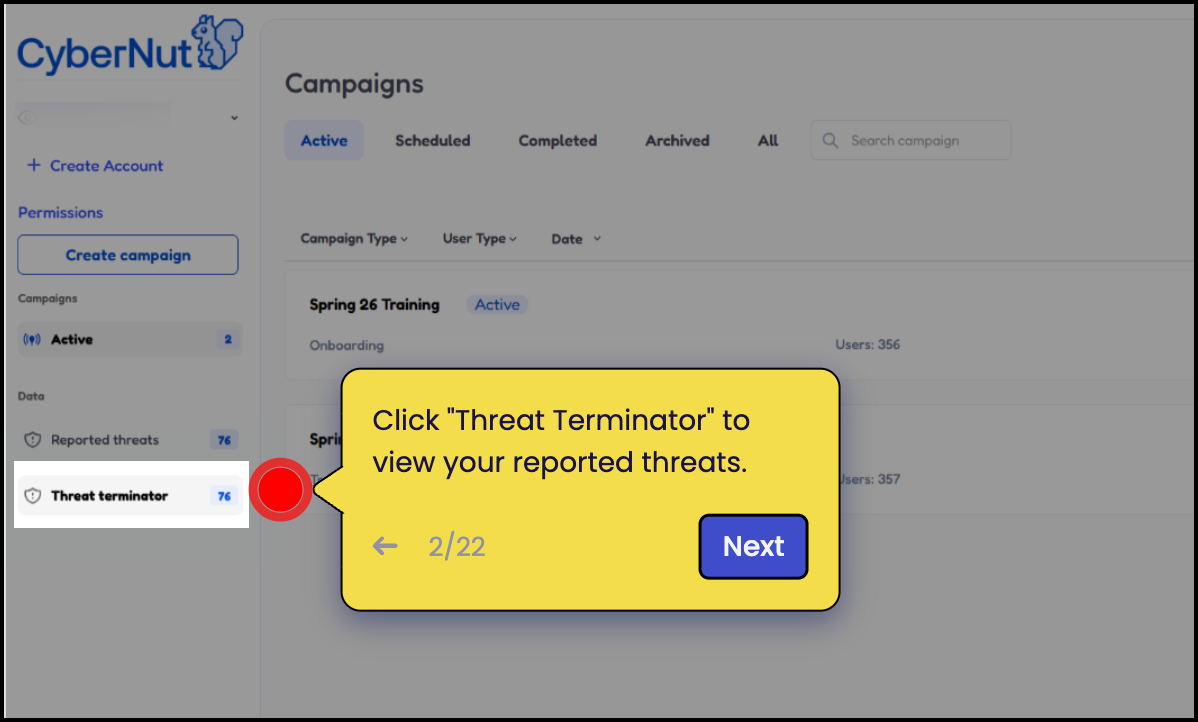
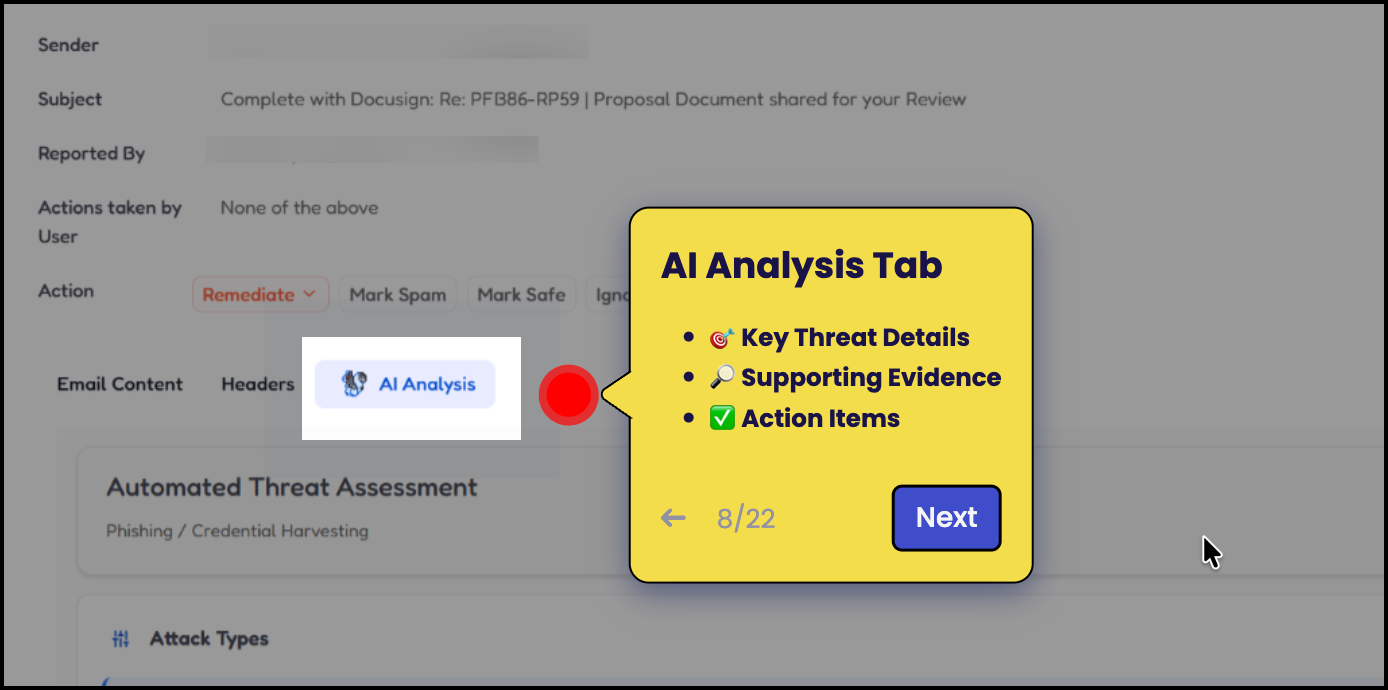
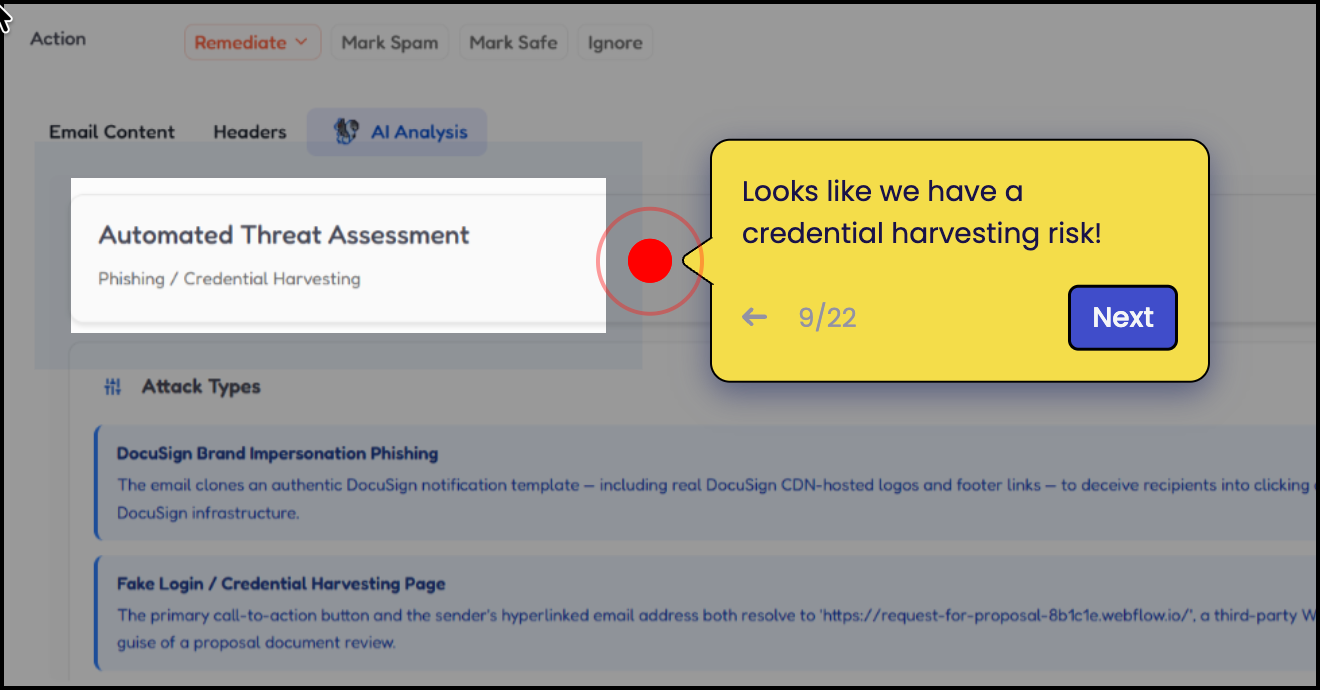
Please watch the Guided Demo below, which walks through how to use ATT and easily submit feedback during the beta program.
Your input is extremely valuable and helps our team continue improving ATT.
Click below for a full screen walkthrough video.
▶️ How to Use the Automated Threat Terminator
Beta Program Timeline
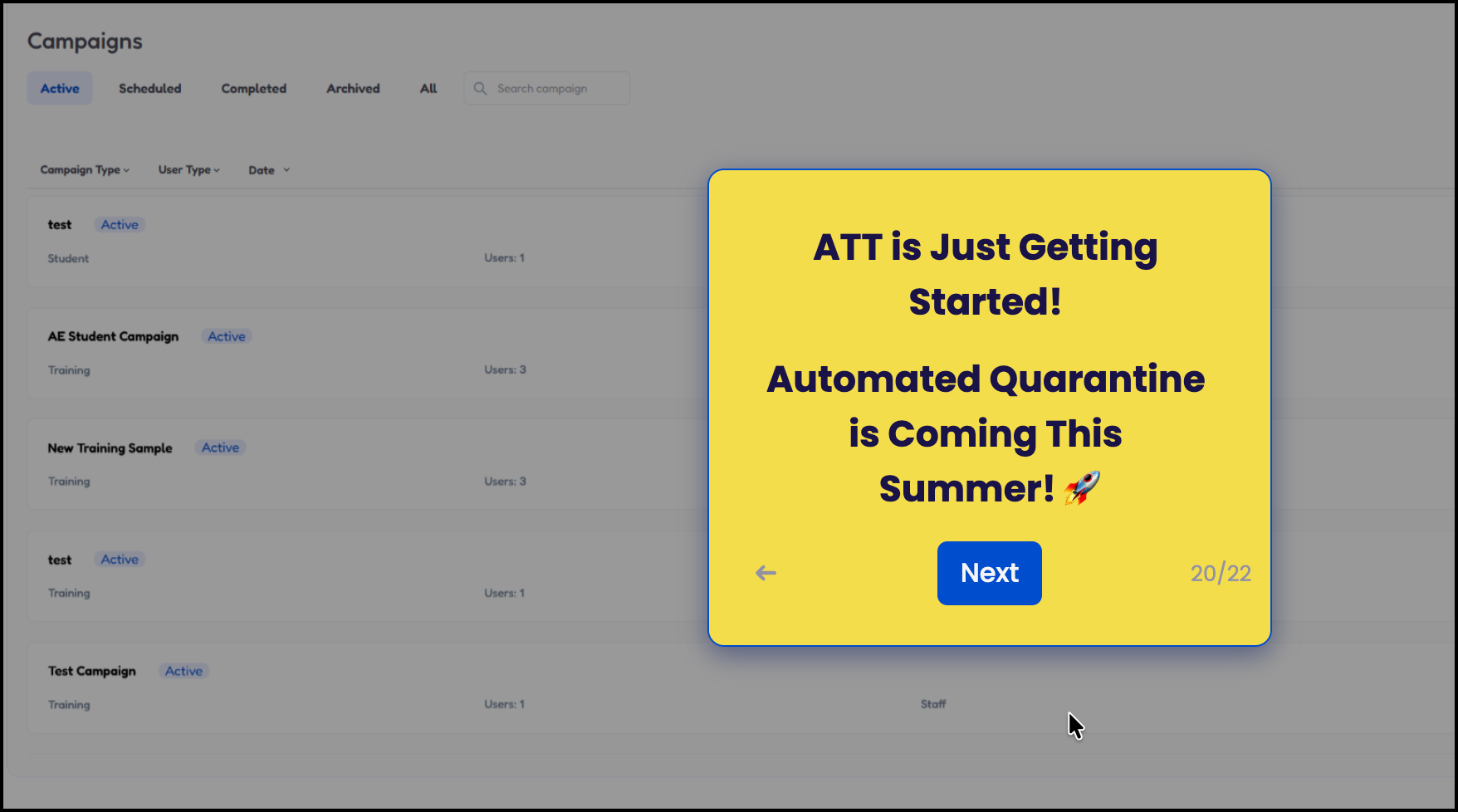
The ATT Beta program will run through July 1. During this period, beta participants will have access to ATT capabilities while the feature continues to be refined.
After July 1, ATT will become available as an add-on product within CyberNut. Organizations interested in continuing to use ATT after the beta period can reach out to their Customer Success lead for additional information and pricing.
How to Use the Automated Threat Terminator